
SMS OTP verification from your own Android phone.
Add phone verification, 2FA and passwordless login with the SMS8 OTP API. Codes leave a SIM you own, from a real mobile number your users can recognise, and they can jump ahead of other messages waiting on the phone.
Two calls, one round trip
SMS8 sends the code and checks it. The form stays yours.
Send the code
Call send with the phone number. SMS8 makes a code, stores it hashed with an expiry, and sends it from your paired phone.
The user types it
Collect the code in any screen you like, on the web or in your app.
Verify it
Call verify with the number and the code. You get verified, or the reason it failed and the attempts left.
Why a code from your own number gets read
Your existing customers already have your mobile number saved under your name. A code from that number looks like a text from you, not from an unknown short code.
The SIM in your phone hands the message straight to your carrier. There is no shared sender pool and no rented number whose reputation you do not control.
Your phone also pays carrier-local rates for each text, the same as when you type a message by hand, so codes to your own country cost what your plan charges for any SMS.
What you send and what comes back
Two endpoints with the same API key as the rest of SMS8. The full reference lists every field.
To send a code
The phone number in international format is the only field you need. You can also pass the code length, the expiry, the number of tries, the resend wait, your message wording and the phone or SIM to send from.
To check a code
Pass the same phone number and the digits your user typed. SMS8 compares them with the latest code still valid for that number.
When it matches
You get verified back and can let the user in, finish the sign-up or approve the action.
When it does not
You get the reason, such as expired or wrong code, plus the tries left. Show the right message and offer a resend when it makes sense.
When a limit is hit
A send during the resend wait, or past 5 codes in 24 hours for that number, is refused, so a script or a leaked key cannot flood that person.
Tune the code to your app
Every setting has a sensible default. Change it once in your dashboard, or per request.
Your own wording
Write the message with a {code} placeholder, like "Your Acme code is {code}. Valid 5 min." Change it per request for each language or brand.
Code length
4 to 8 digits. Six by default.
Expiry
From 60 seconds to 15 minutes. Five minutes by default.
Codes go first
Set codes to jump ahead of other messages waiting on the same phone.
Attempts
1 to 10 tries, then the code stops working.
Resend wait
30 seconds to 10 minutes between resends.
Pick the phone
Send codes from one dedicated phone or SIM, or share them across all your SIMs.
Safe by default
Limits you cannot switch off by mistake.
5 codes per number a day
A hard cap per phone number over 24 hours. A leaked API key cannot be used to flood someone.
Limits that cannot be raced
Cooldown and cap checks run inside a locked database step, so parallel requests cannot slip extra codes through.
Codes stored hashed
Codes are never kept in plain text, and the check is timing-safe, so response times reveal nothing.
Clear failure reasons
An expired code says expired, a wrong code says wrong, so you can show the right message and offer a resend.
POST only
The send and verify endpoints refuse GET requests and ignore cookies.
Where teams use codes
One API covers every moment you need to check the person, not just the session.
Sign-up checks
Confirm a new user really owns the number they typed before the account opens.
Two-factor login
Ask for a code after the password. Lock the account after too many wrong tries.
Passwordless login
Skip the email link. Six digits by SMS is quicker on a phone.
Risky actions
Payout changes, password resets and transfers get a fresh code first.
Number changes
Send a code to the old number and the new one, and check both.
Support calls
Check the caller owns the number on file before you share account details.
From your code or from your AI agent
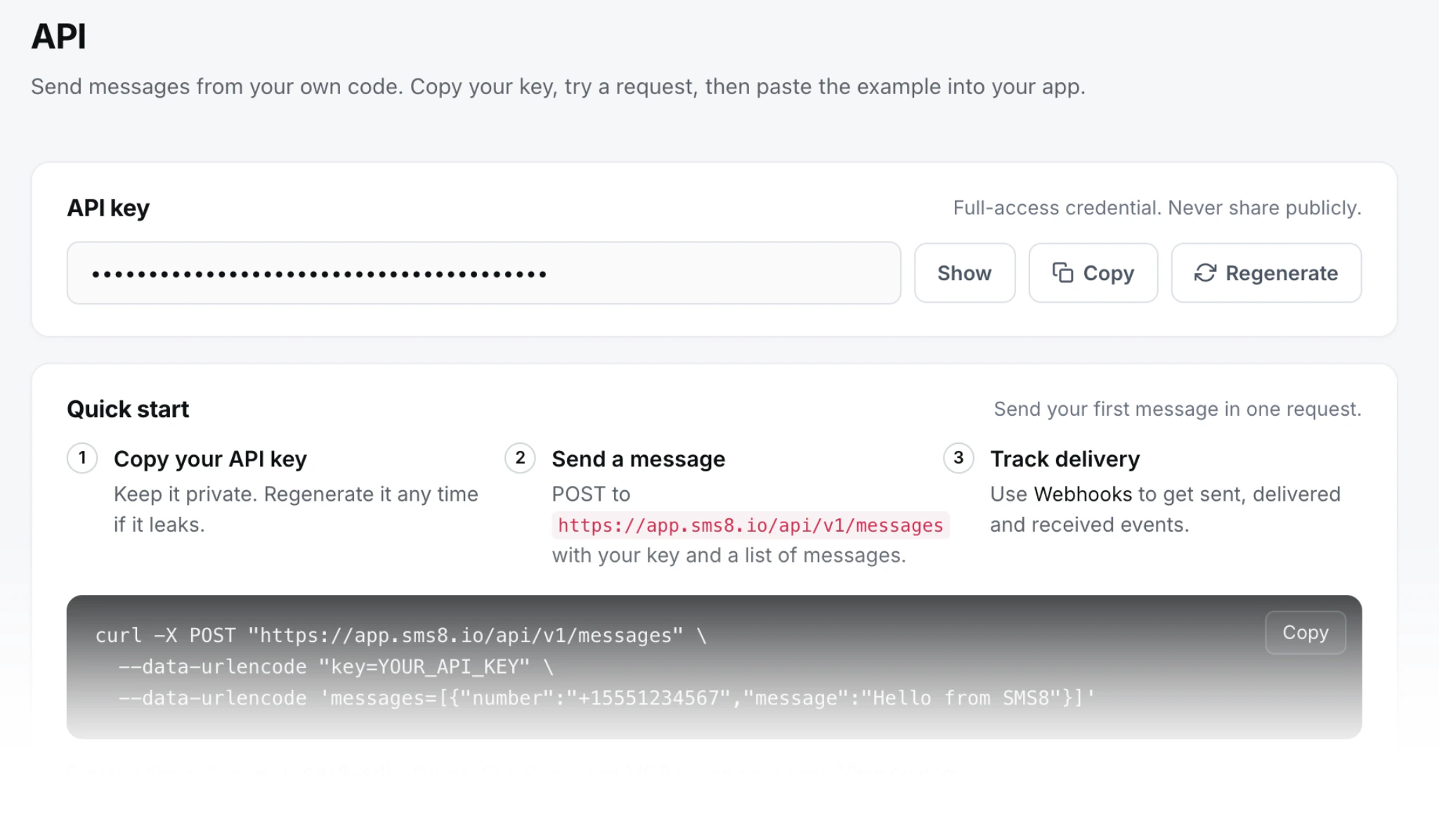
Call the API from any language with your API key, or use the sms8-sdk package for Node, the browser, Deno and Bun. It includes a ready code input for React.
Working in Claude Code or Cursor? The SMS8 MCP server gives your agent send, verify and wait tools for codes. Describe the flow and it can wire it up for you.
Yes. Each code goes out through your paired phone and SIM, like a normal text, with no outside service in the middle.
Whatever your mobile plan charges for one SMS, which is often nothing extra. SMS8 adds no fee per message on any plan.
No. Codes leave your own SIM from a real phone, so there is no carrier registration and no number to rent.
Five minutes by default. You can set anything from 60 seconds to 15 minutes per request.
A resend wait you choose, plus a fixed cap of 5 codes per number every 24 hours. Both run in a locked database step.
Yes. Codes are stored as a hash, and the comparison takes the same time whether the first digit or the last one is wrong.
Yes. Add the SMS8 MCP server to Claude Code, Cursor or Windsurf with your API key, and your assistant can call the send and verify tools while it builds your sign-up screen.
Yes. Use a template with a {code} placeholder and change it per request, which helps when you serve several brands or languages.
Yes. Pin codes to one phone or SIM so they never wait behind a campaign, or let them use any of your paired SIMs.
Guides and comparisons
Go deeper on this topic.
Free OTP Sender App: Verify Phones From Your SIM
Use your own Android phone as an OTP sender app: what free and unlimited really mean, the two SMS8 OTP API calls, and the expiry, attempt and rate limits.
Nov 2026Twilio Verify Alternatives for SMS OTP in 2027
Twilio Verify costs $0.05 per check plus SMS fees. Compare Firebase phone auth, Vonage Verify and OTP from your own phone, with code and security tips.
May 2026SMS OTP API on Your Own Android Phone: Build Guide
Build a production SMS OTP flow on your own Android phone: code length, expiry, attempt caps, hashed storage, constant-time checks and code samples.
May 2026Phone Number Verification: 8 Best Practices for 2027
Phone number verification done right: store E.164, sane OTP expiry and attempt caps, rate limits against SMS bombing, VOIP checks and a fallback channel.
Add phone verification this afternoon
Pair a phone, copy your API key, and send your first code from your own number.